
Fine-tuning your Fit Key over time
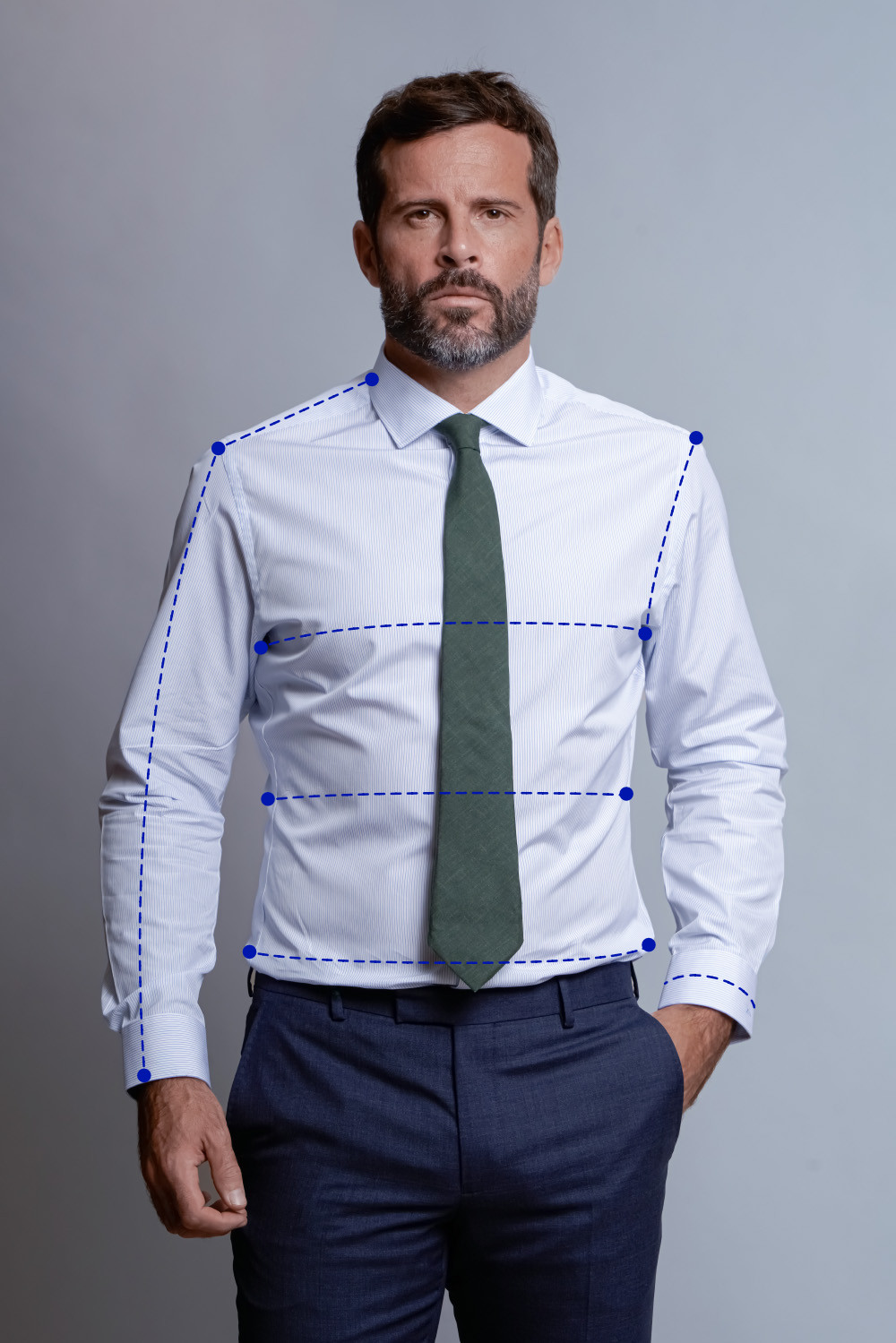
Step 1 : Log in and choose your Fit Key
Log in to your account and click “Use this shirt as a starting point”. Your previous shirt serves as the reference for future fit adjustments.

You can also find your Fit Key directly on the label inside your shirt or trousers:

Step 2: Choose your shirt and adjust your Fit Key
Slect your shirt, then go to the “Your Fit” section and click “Edit this Fit Key”.

Step 3 : Select the measurement you would like to adjust
Click on the measurement you would like to modify, for example the sleeve length.

📖 Step 4 : Follow the tutorial
Use the step-by-step images to guide you through the adjustment process.

📞 Need personalized advice?
Our made-to-measure specialists will be happy to help.
Book a complimentary 30-minute video call and show us your shirt during the appointment.
Updated on: 09/09/2026